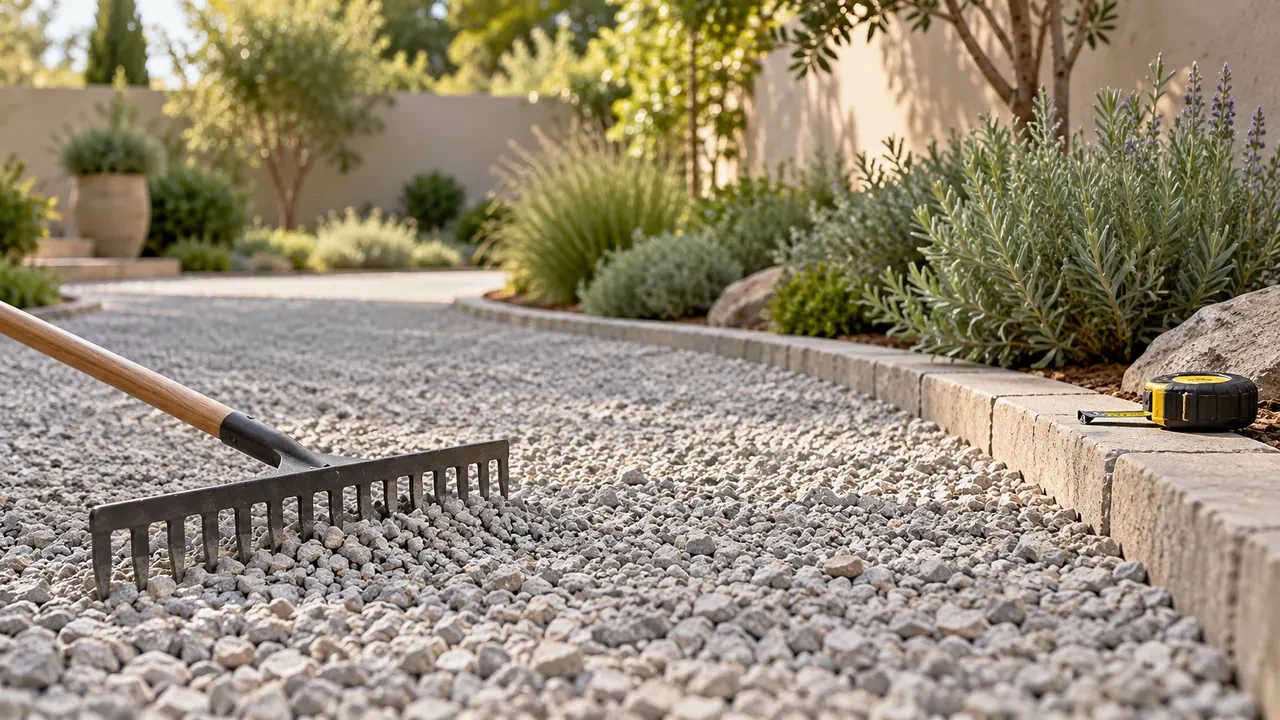
A gravel order can sound straightforward until one supplier quotes cubic yards, another quotes tons and the garden center sells bags. All three can describe the same project, but you need the depth and the right material density to compare them.
To estimate gravel, multiply length by width by depth in feet. Divide by 27 for cubic yards, then multiply by the supplier’s bulk density to estimate weight. If you are buying bags, use the package’s stated volume or a weight calculation matched to that product.
The MyDIYCalc gravel calculator shows volume, estimated US short tons and a 50 lb bag comparison. Here is how to read those results and check the details before ordering.
Quick answer: gravel for a 20 × 10 ft area
At an entered depth of 3 inches, a 20 × 10 ft rectangle contains 50 cubic feet, or about 1.85 cubic yards. With the calculator’s starting density of 1.4 US short tons per cubic yard, that becomes about 2.59 US short tons, or 104 bags of 50 lb, rounded up.
Those figures describe a measured layer under stated assumptions. They do not specify the right gravel, finished depth or base construction for a driveway. The current tool also adds no separate waste or compaction allowance.
Measure the layer you are actually ordering
Measure the inside of the area to be filled, including any sections that run into corners or recesses. For a path with changing width, measure it in sections. Calculate non-overlapping areas separately so a corner is not counted twice.
Write down the depth for the material being purchased. If a project has a base layer and a separate surface layer, estimate each on its own line. A single depth entered for the whole job cannot distinguish two different materials.
For an existing path refresh, measure the additional layer you intend to place. Entering the entire excavation depth again would overstate a top-up. Check the required depth at several points rather than judging it from the deepest hollow.
These measurements establish the quantity for your chosen specification. Site drainage, loading, ground conditions and the required construction need their own assessment.
Calculate cubic feet and cubic yards
Cubic feet = length (ft) × width (ft) × depth (in) ÷ 12.
For the 20 × 10 ft example:
- Area: 20 × 10 = 200 sq ft.
- Depth in feet: 3 ÷ 12 = 0.25 ft.
- Volume: 200 × 0.25 = 50 cu ft.
- Cubic yards: 50 ÷ 27 = 1.85185… cu yd.
A cubic yard contains 27 cubic feet. The calculator displays this example as 1.85 cu yd, but keep the unrounded figure when converting to weight or bags. Reusing a rounded display can make the final result drift slightly.
Depth makes a substantial difference. The following table keeps the area at 200 sq ft and the selected density at 1.4 US short tons per cubic yard.
| Entered depth | Volume, cu ft | Volume, cu yd | US short tons |
|---|---|---|---|
| 2 in | 33.33 | 1.23 | 1.73 |
| 3 in | 50 | 1.85 | 2.59 |
| 4 in | 66.67 | 2.47 | 3.46 |
| 6 in | 100 | 3.70 | 5.19 |
These are quantity comparisons, not recommended construction depths. Doubling the entered depth doubles the calculated volume when the footprint stays the same.
Convert volume to tons using the actual bulk density
US short tons = cubic yards × bulk density in US short tons per cubic yard. For the main example, 1.85185… × 1.4 = 2.59259… US short tons.
Bulk density describes the weight of a volume of material, including the spaces between the particles. The density used for an order needs to represent the actual supplied aggregate and its condition. A value for solid rock alone does not automatically describe a loose load of gravel.
The Vulcan Materials aggregate estimator uses project dimensions and density, offers density units of pounds per cubic foot or cubic yard, and notes that project conditions affect estimates. Ask your own supplier for the value and units that apply to your material.
The current MyDIYCalc density control is a dropdown with 1.3, 1.4 and 1.5 options. The descriptions are planning presets; they do not certify the density of a particular stone. There is no custom-density entry field.
If your supplier gives a different value, use the tool’s volume and calculate the weight separately. For example, a supplier-confirmed density of 1.6 US short tons per cubic yard would give 1.85185… × 1.6 = 2.96 US short tons for the same layer. Selecting 1.5 would not reproduce that weight.
Check which kind of ton the quote uses
MyDIYCalc uses the US short ton of 2,000 lb. A metric tonne is 1,000 kg, while a UK long ton is 2,240 lb. The names look similar on an order, but the units differ.
Do not compare a calculator result in US short tons directly with a supplier price per metric tonne. First put both quantities in the same unit. The density must use that same weight unit as well.
If the supplier gives density in pounds per cubic yard, divide by 2,000 to get US short tons per cubic yard. For instance, 2,800 lb/cu yd equals 1.4 US short tons/cu yd. If density is given in lb/cu ft, multiply by 27 before dividing by 2,000.
Understand the 50 lb bag estimate
The tool’s bag result uses the same density as its bulk-weight result:
50 lb bags = estimated US short tons × 2,000 ÷ 50, rounded up.
For the main example, the unrounded 2.59259… US short tons represents about 5,185.19 lb. Dividing by 50 gives 103.7037… bags, so the tool displays 104 bags. Forty 50 lb bags contain one US short ton by weight.
Density changes that comparison even though the measured volume stays at 50 cu ft:
| Selected density, US tons/cu yd | Estimated US short tons | 50 lb bags |
|---|---|---|
| 1.3 | 2.41 | 97 |
| 1.4 | 2.59 | 104 |
| 1.5 | 2.78 | 112 |
Bag counts above are calculated from unrounded weights. Multiplying the displayed two-decimal ton figure can produce a different rounding result.
Check the package before turning that comparison into a purchase. If the exact product states a volume per bag, divide your target volume by that stated yield instead. As an illustration, a product explicitly labelled 0.5 cu ft per bag would take 100 bags to supply 50 cu ft before any allowance. That does not establish a universal yield for every 50 lb gravel bag.
For another bag weight, divide the product-matched total pounds by that weight and round up. The calculator’s 50 lb result should not be reused unchanged for 40 lb bags or 25 kg packages.
Handle compaction and extra material separately
The calculator multiplies the dimensions you enter. It does not determine whether that depth describes loose material or a finished compacted layer, and it does not calculate how one changes into the other.
When a specification gives a compacted depth, ask the supplier or contractor how to translate the required layer into the quantity supplied. Match the density and volume assumptions to the same material condition. A denser preset by itself is not a compaction calculation.
If an additional ordering allowance is agreed, apply it once and record what it covers. For a purely illustrative 10% addition to the 50 cu ft example, the target becomes 55 cu ft, or about 2.04 cu yd. At the unchanged example density of 1.4, that is about 2.85 US short tons, or 115 bags of 50 lb rounded up.
That 10% is an arithmetic example, not a recommended compaction factor. Avoid adding it again if the supplier’s takeoff already includes the agreed extra material.
How much area will one cubic yard cover?
Coverage in square feet = 324 ÷ depth in inches. This comes from dividing 27 cubic feet by the depth expressed in feet.
One cubic yard spread at a uniform 2 inch depth covers 162 sq ft; at 3 inches it covers 108 sq ft; at 4 inches it covers 81 sq ft. These geometric figures exclude any allowance and do not describe a loose-to-compacted conversion.
A ton cannot be given the same fixed coverage without a density. At the example 1.4 US tons/cu yd, one US short ton represents about 0.714 cu yd and covers about 77.14 sq ft at 3 inches. Change the density and the coverage per ton changes too.
Turn the estimate into a clear supplier order
- Name the material: confirm the product, grading and intended use.
- State the quantity and unit: distinguish cubic yards, US short tons and metric tonnes.
- Record the assumptions: include layer depth, material condition, density and any allowance.
- Confirm sales increments: the displayed estimate is not necessarily the quantity the supplier sells.
- Plan the delivery: agree on access, a suitable drop location and how the material will reach the work area.
Compare delivered totals for the same material and quantity, including minimum orders or separate charges. Keep those details in your project materials checklist so the order stays connected to the measurements.
If the path runs beside new planting beds, calculate that fill as a separate material. Our raised bed soil quantity guide explains the soil side of a garden project, including its separate allowance.
Gravel quantity FAQs
How much gravel do I need for 200 square feet?
You also need the depth. At 3 inches, 200 sq ft takes 50 cu ft, or about 1.85 cu yd before allowance. The weight depends on the supplied material’s bulk density; at the example 1.4 US short tons/cu yd, the estimate is 2.59 US short tons.
How many tons are in a cubic yard of gravel?
Use the bulk density for the specific material and condition. The calculator offers three preset values, but none is a universal conversion. Confirm whether the quoted weight is in US short tons, metric tonnes or another unit.
Does this calculate a complete gravel driveway?
It estimates the quantity for the layer you enter. It does not design the excavation, drainage, base or surface. Calculate specified layers separately and have the construction requirements checked for the site.
Why is my bag’s coverage different from the calculator?
The tool derives its 50 lb bag count from your selected density. The actual bag may contain a different product, weight or stated volume. Use the package’s information and the same target volume to check the order.
Does the calculator add waste or compaction automatically?
No. There is no separate allowance input in the current tool. Any agreed extra quantity or loose-to-compacted conversion needs its own calculation, with the assumptions recorded.
Can I calculate an irregular path?
Divide it into manageable, non-overlapping sections and calculate each volume. Add volumes for the same material, then convert the total to weight or bags. Keep different materials and layer conditions separate.
Keep the volume and the buying unit together
Start with the measured footprint and layer depth, check the volume in the gravel volume and bag estimator, then confirm density and sales units with the supplier. That gives you an estimate you can explain and update when the project changes.
For other outdoor materials, the garden and outdoor calculator hub keeps the related planning tools together.
Calculation note: examples were checked against the supplied MyDIYCalc formula. Density presets and the 10% addition shown here are planning assumptions. Supplier product data and the project specification determine the final order.